For iPhone
Screenshot in.
Explanation out.
ExplainShot instantly explains anything you screenshot — math, code, dense text, anywhere on your phone. Like Photomath, but for everything.
Features
Built for anything on your screen
No typing. No searching. No friction. Just a screenshot and a clear answer.
Solve math, step-by-step
Snap an equation, a worksheet, or a textbook problem. ExplainShot walks through the solution one clear step at a time.
Explain code & errors
Stack traces, snippets, build failures — get a plain-English breakdown of what's happening and a suggested fix.
Simplify dense text
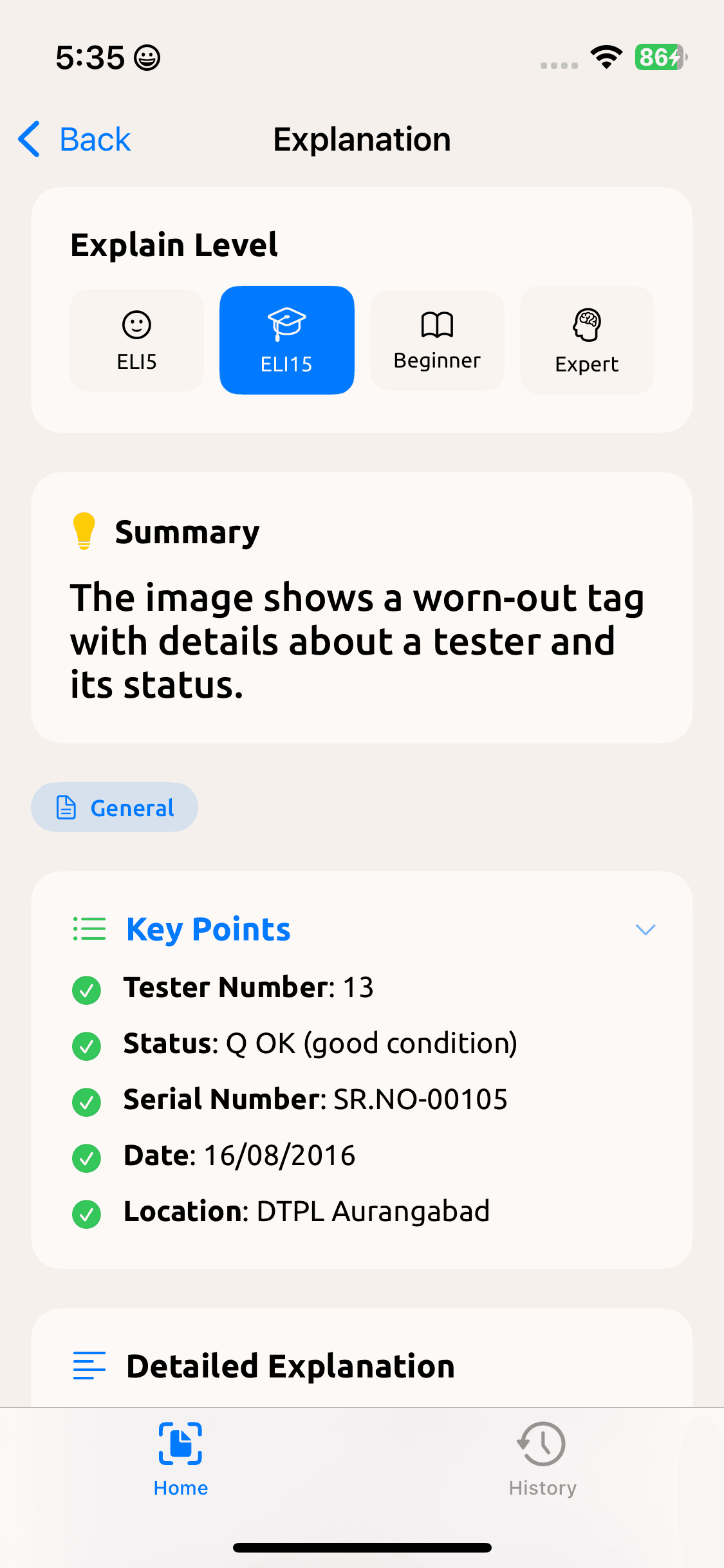
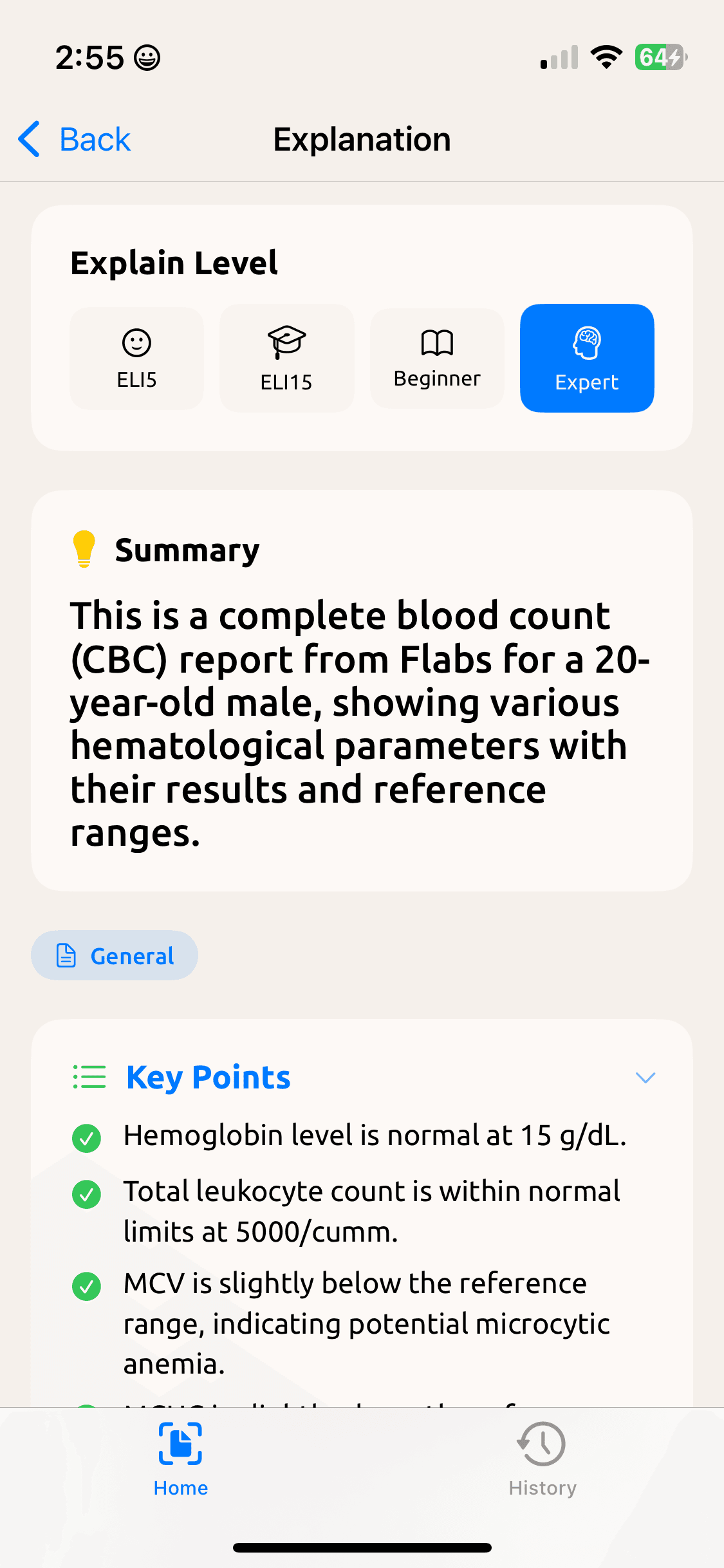
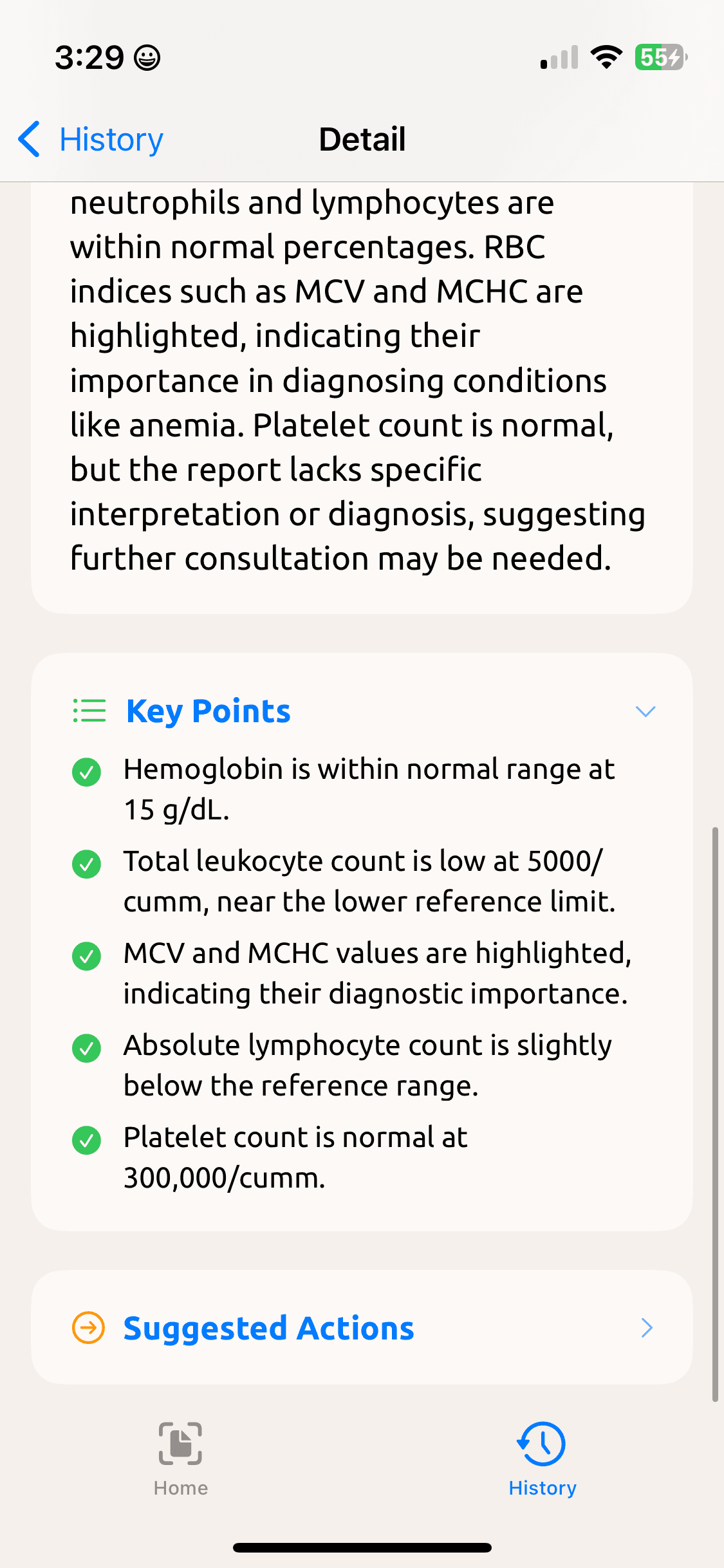
Legal docs, medical reports, research papers, foreign languages. Pick a level — ELI5, Beginner, Expert — and get a readable summary.
How it works
Three steps. A few seconds.
- 1
Take a screenshot
Anything on your screen — math, code, an article, a receipt.
- 2
Tap Share → ExplainShot
From the iOS Share sheet, choose ExplainShot. No typing, no searching.
- 3
Read the explanation
A clear summary, key points, and a detailed breakdown — in seconds.
Inside the app
See it in action
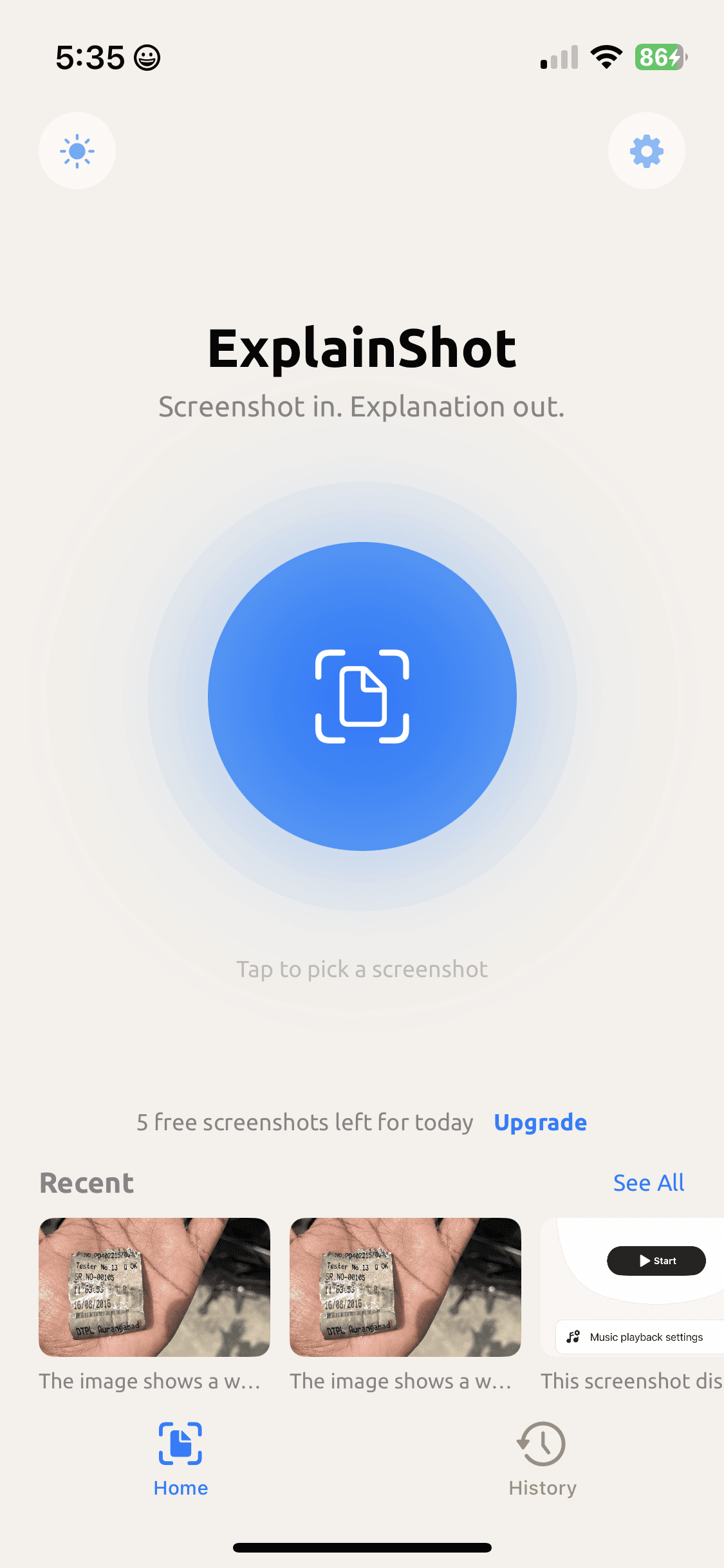
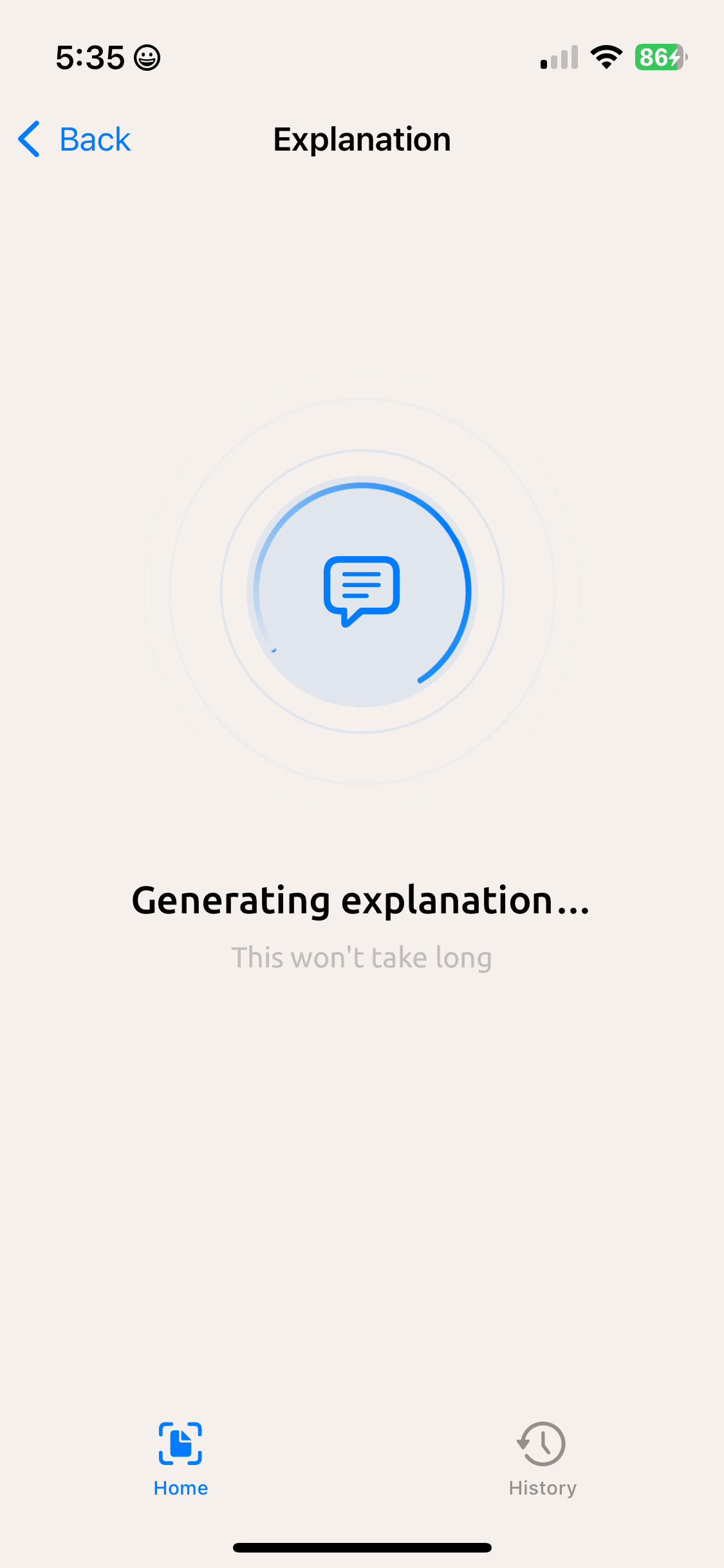
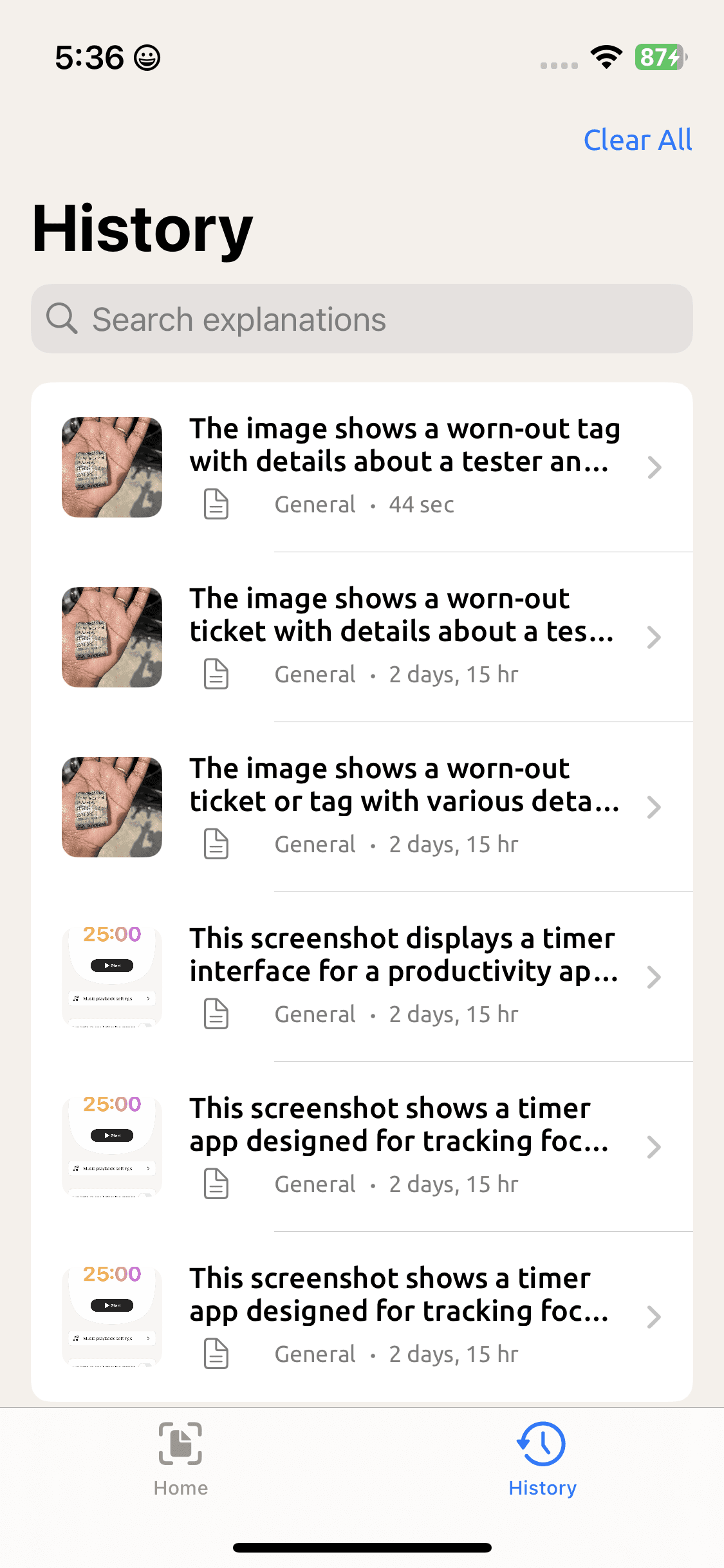
A taste of the home screen, the explanation flow, and your saved history.
FAQ
Frequently asked questions
How does ExplainShot work?
Take a screenshot of anything, open the iOS Share sheet, and pick ExplainShot. The app reads the image and produces a summary, key points, and a detailed explanation tailored to the level you choose (ELI5, Beginner, or Expert).
What kinds of things can it explain?
Math problems, code and error messages, dense text, screenshots of articles, foreign-language documents, charts, forms, lab reports — anything visible on your screen.
Is there a free tier?
Yes. ExplainShot includes a daily allowance of free explanations. If you need more, you can upgrade from inside the app.
Can I see past explanations?
Every explanation is saved to the History tab so you can search, revisit, and reference it later.
How do I get help or report a problem?
Email us at explainshot.support@gmail.com and we'll get back to you. Please include a description of the issue and, if possible, the screenshot you were trying to explain.
Support
Need a hand?
We read every email. Reach out and we'll usually reply within a couple of days.